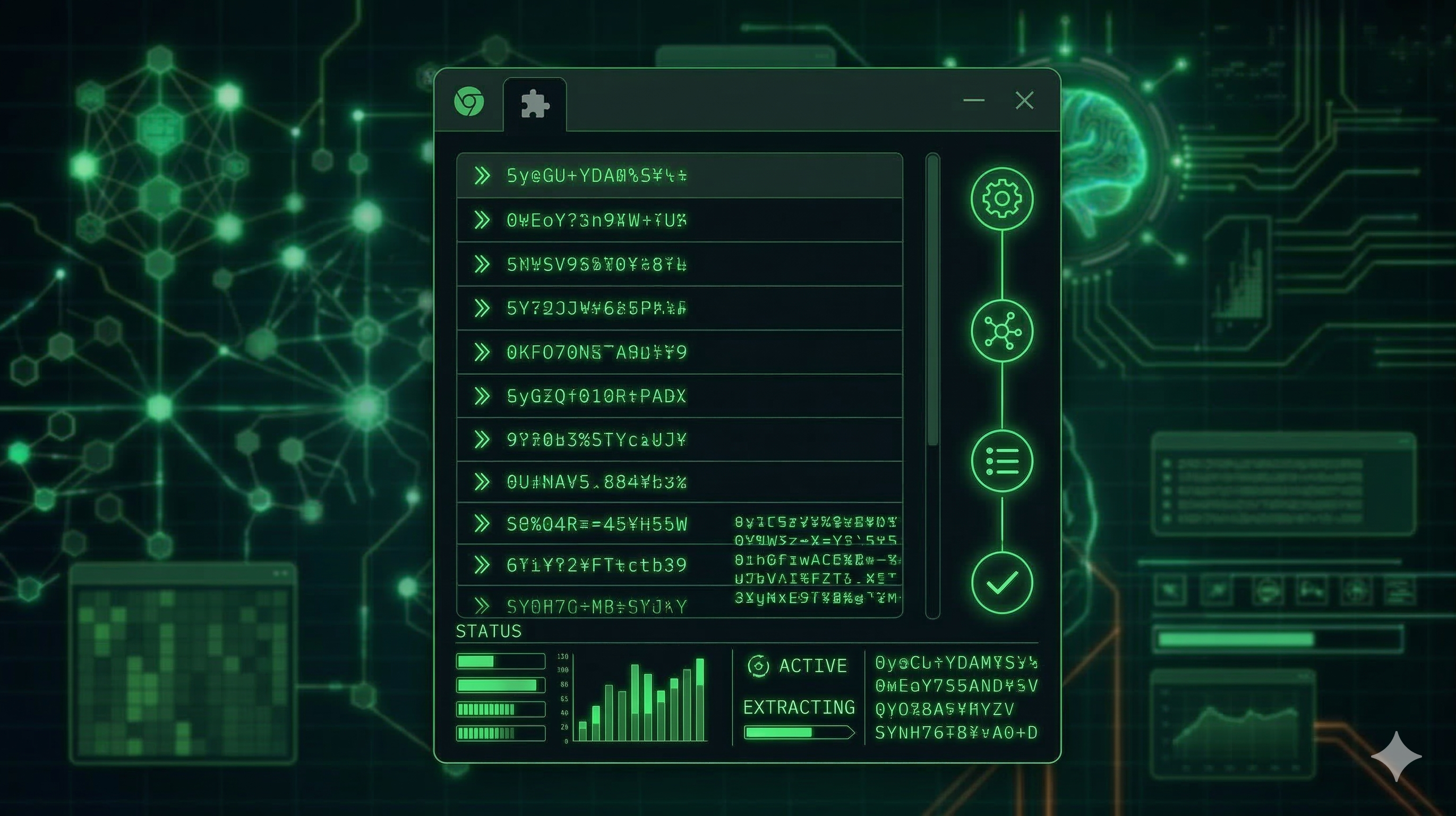
How to Extract 500+ Search Queries from ChatGPT in One Session
Every time ChatGPT uses its web search tool, it fires off internal search queries to gather real-time information — and those queries are pure keyword gold. This guide shows you exactly how to capture them at scale.
What Are ChatGPT's Internal Search Queries?
When you ask ChatGPT a question requiring current information, it formulates search queries and sends them to a web search API. A single prompt about B2B SaaS marketing might generate queries like B2B SaaS content marketing strategies 2026, content marketing ROI software companies, and SaaS blog SEO best practices — all rankable keywords.
Step 1 — Install the Extension
Install GPT Query Extractor from the Chrome Web Store. Works on Chrome, Edge, Brave, and Arc. No account needed.
Step 2 — Prepare Your Prompt File
Create a plain text file with one prompt per line. Prompts that force web search work best:
- Start with "Research the latest…" — triggers real-time search
- Include a year reference — forces current data lookup
- Ask for comparisons — generates multiple query angles
- Request statistics — forces ChatGPT to look up numbers
Example: "Research the latest statistics on email marketing open rates in 2026 and compare the top 5 email platforms for B2B companies."
Step 3 — Configure and Run
Set your delay to 30 seconds between prompts to mimic human typing speed. A 50-prompt session runs fully automated in about 25 minutes and typically captures 150–250 unique queries.
Step 4 — Export and Analyse
Export as CSV for spreadsheet analysis or JSON for programmatic processing. Open in Google Sheets, sort by query length — longer queries (5+ words) are usually low-competition long-tail keywords perfect for blog content.
Start Extracting Query Intelligence
Free Chrome extension. No account needed. Works immediately.
Add to Chrome — Free →